How to Create an Automated Email Newsletter (Without Writing a Word)
“I don’t know what to write.” That’s the #1 reason I hear from coaches and consultants who never send a newsletter. Here’s how to send one anyway: answer a few questions about your practice up front, then review and approve what gets drafted for you. You never face the blank page.

What Is an Automated Email Newsletter?
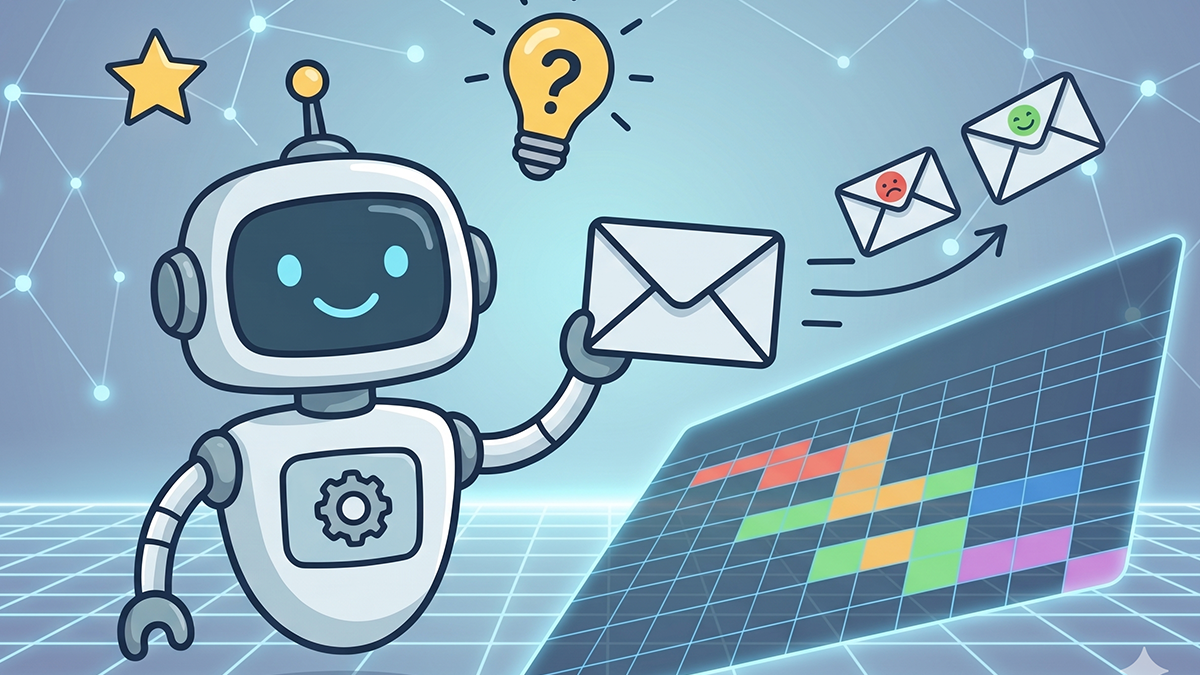
An automated email newsletter gets researched, written, laid out, and sent on a schedule you set — without you opening an empty editor every month. You’re still in it. You just show up as the editor instead of the writer.
“Automated” used to mean something much smaller: scheduling emails you’d already written. The dreaded part was still yours.
The Three Levels of Newsletter Automation
Scheduled Sending
You write the emails, the system sends them at preset times. (Mailchimp, Constant Contact)
Template + Triggers
Pre-written templates sent based on what someone does. (Welcome emails, follow-ups)
AI-Generated Content
Fresh content drafted for each issue. You review, you approve, it sends.
This guide is about Level 3. And Level 3 matters, because the whole game is consistency. One email is “hello.” A year of them is a relationship. 📩
The Evolution: From Manual to AI-Powered

None of this was possible three years ago. Here’s how we got here:
2010-2015: The Manual Era
You wrote every email from scratch. 4-8 hours per issue, which is why most people quit.
2015-2020: The Template Era
Drag-and-drop builders killed the design work; the writing stayed yours. 2-4 hours — still too much.
2020-2023: The Partial Automation Era
AI assistants arrived and needed heavy editing. Rough drafts, plus 1-2 hours of refining each issue.
2024-Present: The Full Automation Era
Purpose-built tools that know your practice and audience. Publish-ready content in minutes.
AI went from “an assistant that helps you write faster” to “a system that drafts and you approve.” Being the editor takes fifteen minutes. Being the writer is the job you’ve been putting off for two years.
How AI Newsletter Generators Actually Work
“But how can AI write about my practice?” Fair question — and raw AI can’t. Using AI well isn’t typing clever prompts. It’s a system that knows the frameworks, the psychology, and the funnel strategy, and uses AI to execute them in your voice. Skip that and you sound like every coach who pasted a ChatGPT output: generic, flat, obviously AI. A faster way to sound average.

You Answer a Few Questions
The only part genuinely on you, and it happens once. What you do, who you help, what you sell, how you sound.
It Picks the Angle
You don’t need inspiration — you need proven angles. The client story. The mistake you keep seeing. The myth buster. A good system rotates them so you never invent a topic.
It Writes the Draft
Original content in your voice — not a template with your name swapped in.
It Builds the Layout
Headers, images, buttons, mobile formatting. You never open a design tool.
You Review and Send
The draft lands in your inbox before send day. Change what doesn’t sound like you, approve the rest.
So, precisely: you’re not writing from scratch, but you’re not absent either. You answer the questions, read every draft, sign off. Minutes, not hours. And it learns as you edit — issue six sounds more like you than issue one.
Who Benefits Most from Newsletter Automation
This isn’t for everyone, and I’d rather say so than sell you something that won’t fit.
Perfect For
- • Coaches, consultants, and advisors
- • Solo operators and small teams
- • Anyone whose clients come back or refer
- • Anyone who’s “too busy” for marketing
- • People who know they should email but don’t
Not Ideal For
- • E-commerce with complex product catalogs
- • Anything needing real-time inventory updates
- • Companies with a dedicated marketing team
- • Regulated industries needing legal review
- • Brands with very rigid voice requirements
The sweet spot: practices where staying top-of-mind is what fills the calendar.
Life Coaching
Mindset, Wellness, Relationships
Business Coaching
Strategy, Growth, Leadership
Executive Coaching
C-Suite, Directors, VPs
Health & Wellness
Nutrition, Fitness, Recovery
Nobody books a discovery call with someone they’ve forgotten. If your work depends on being remembered and you have no time to write, this is for you.
Step-by-Step: Setting Up Your First Automated Newsletter

Here’s the actual process with most AI newsletter tools. 👇
Create Your Account (2 minutes)
Your name, what you do, who you help. Everything the tool writes is built on this.
Import Your Contacts (5 minutes)
Upload a CSV or connect your CRM. Most tools take the usual exports.
Set Your Schedule (1 minute)
Monthly is the floor, not the ceiling. The fear of annoying subscribers costs you more clients than any email ever will. If someone unsubscribes over a useful email, they were never booking a call.
Review Your First Draft (10 minutes)
Read this one properly. It’s where you teach the system what “sounds like you” means.
Approve and Automate (1 minute)
Hit approve. From here on, a draft reaches you before every send date.
Total Setup Time: Under 20 Minutes
After that, budget 10-15 minutes per issue to review and approve — against the 4-6 hours it takes manually. Those hours are why you stopped last time.
Best Practices for Automated Newsletters
Automation does the heavy lifting. Five habits separate a newsletter that works from one that merely goes out. ✅
Always Read It Before It Goes
AI is good. It isn’t you. Five minutes catches the awkward line and lets you drop in something timely.
Consistency Beats Perfection
A good-enough newsletter every month beats a perfect one twice a year. Nobody’s grading your prose — they’re deciding if they remember you.
Keep Your List Clean
Clear out bounced addresses and dead subscribers. A small engaged list beats a big dead one. Most tools do it for you.
Track Your Results
Check opens and clicks monthly. Industry average open rates sit around 35-40% for service businesses. Well under that? Test subject lines and send times.
Keep Feeding the List
Every new client, every discovery call, every form fill. Put a freebie on your site so visitors have a reason to hand over an email.
Getting Started Today
The mistake I see most isn’t sending bad emails. It’s sending none. You open the editor, stare at the blank page, get stressed, close the tab — and promise yourself next month. I was in exactly that position when I started putting content out.
That excuse is gone now. Not a writer, not a designer, no free afternoon — none of it stops you anymore. You just have to start.
Your 48-Hour Action Plan
Today: Pull your contacts out of wherever they’re hiding — phone, CRM, spreadsheet
Tonight: Answer a few questions about your practice and get your free custom roadmap
Tomorrow: Read your first draft and mark anything that doesn’t sound like you
This week: Hit send on your first newsletter
A week from now this runs in the background while you coach. No more “I really should send a newsletter” hanging over another quarter — just a list that keeps hearing from you until the people on it are ready to book. 🎯
Entrepreneur | Co-founder @ Nautilus, the done-for-you email marketing service for coaches & consultants. I write about email marketing, funnels, lead generation and everything I learned during the past 15 years building businesses, writing software and generating leads in the digital world.
Ready to Automate Your Newsletter?
Coaches don’t need a better kitchen. They need someone to cook dinner. Nautilus writes, designs, and sends your newsletters in your voice — you just approve them. Start with a free custom roadmap.
No credit card · 3 minutes